This GoCitizen Brighton guide explains a useful benefit of Brighton & Hove library membership: free access to an online resource for preparing for the Life in the UK test. You can register through the city’s dedicated GoCitizen page with your library card barcode, rather than buying a separate practice subscription.
The distinction to make before you start is between studying and booking the test. Library access covers the study resource. The official test costs £50 and must be booked through the government’s booking service.
GoCitizen Brighton guide: start with the right library page
Open the provider’s library selector and choose Brighton & Hove Libraries, or go directly to the Brighton & Hove registration page. Its heading identifies the local library service, which is a useful check that you have reached the correct subscription.
Have your membership barcode ready. The form also asks for your name and email address and lets you create a password. If you already have a GoCitizen account, use its sign-in link instead of registering again. Read the linked privacy information before supplying your details.
If you do not have a library card, use the council’s libraries service to find the current joining route or ask library staff about membership. An access problem is a reason to check your barcode and account with the service before paying for a duplicate product.
What the free resource includes
The local GoCitizen page says it contains an online version of the latest official study materials licensed from the Home Office, hundreds of practice questions in the test’s format, and additional interactive resources. The provider’s library information also describes access from home and updates when materials change.
That makes the resource useful for fitting preparation around work, caring or travel. It does not mean a practice question will appear in your actual test, or that completing the resource guarantees a pass. The council’s welcome leaflet separately points residents towards GoCitizen for test preparation.
A practical way to organise revision
The following is our suggested study method, rather than a provider requirement. First, read a manageable section of the material without a timer. Then try related practice questions and note the topics behind mistakes. Return to those sections before attempting another set.
Once you understand the material more comfortably, practise working within the official time limit. Keep a short list of areas that still need attention; remembering why an answer is correct is more useful than memorising the position of a button. A good practice result should help you judge preparation, not replace the official booking and identity checks.
For other free digital reading options, our Brighton library eBooks guide explains the separate BorrowBox and Libby services.
Booking the real test: the checks that matter
GOV.UK’s Life in the UK Test page is the official starting point. It says to book online at least three days ahead and confirms the £50 fee. You choose a test centre during booking; this guide does not promise a Brighton appointment or a particular date.
Check the current identity requirements carefully, including the instructions relevant to your own documents or eVisa. The name entered at booking must match the identification used. GOV.UK also explains that whether you need the test depends on the application you are making.
The separate test-day guidance gives the pass mark as 75% and explains the reference number issued after a pass. That official result, rather than a GoCitizen practice score, is what matters for an application requiring the test.
Brighton Locals’ view
This is a valuable library benefit because it removes a study cost while providing a clear route to licensed material. The strongest use of it is straightforward: prepare through the library, verify the rules through GOV.UK, and book only when the practical details and your preparation are in place.
The takeaway: your library card can help with preparation; it does not replace the official test.
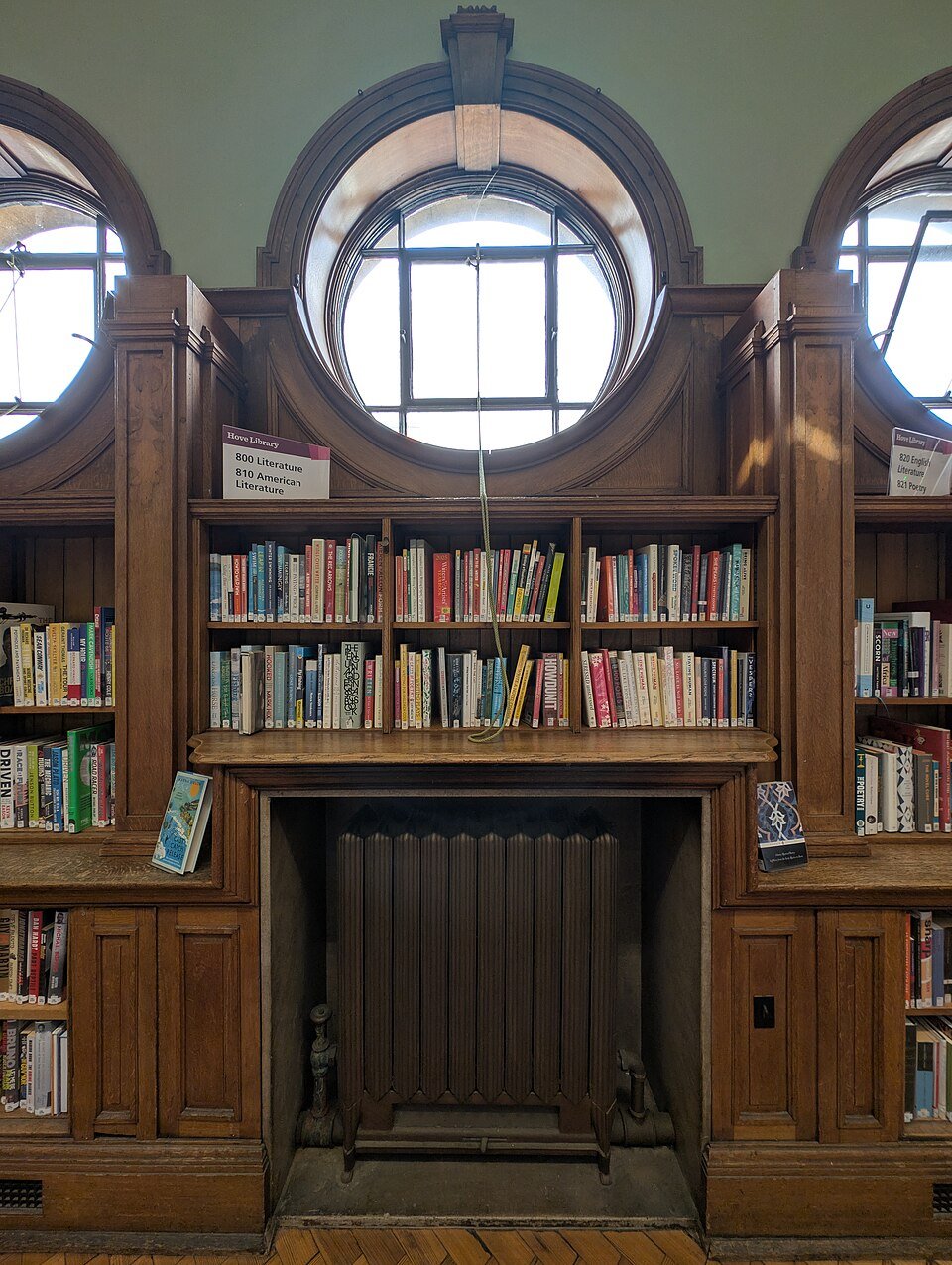
Practical details checked on 30 October 2026. Featured image: Hove Library interior, 20 August 2025, Andy Li / Wikimedia Commons, CC0. Archive photograph of the local library, not a test centre.


Leave a Reply