This Brighton library eBooks guide explains how to find the digital collection linked to Brighton & Hove Libraries, choose a service and get past the most common starting obstacle: having a library card but not knowing the PIN. The services and instructions were checked on 28 October 2026. This is a sourced guide, not a claim that we have tested every device or borrowed every title.
At a glance
- Brighton & Hove Libraries lists BorrowBox and Libby for digital books and audiobooks.
- Libby also provides digital magazines and comics through the local service.
- Start with the city library’s own resource links so you choose the correct collection.
- Keep your card details private and use the official PIN-recovery route if needed.
Brighton library eBooks guide: choose the local collection
The official Brighton & Hove Libraries eResources page is the best starting point. It links directly to Brighton’s BorrowBox collection and Libby. Use those links rather than selecting a similarly named Brighton library in another country.
Decide what you want first: a particular book, an audiobook for a journey, or a magazine to browse. Then search the relevant local collection. Different formats of the same title are separate borrowing choices, and finding the print edition in a catalogue does not establish that a digital edition is available.
Set up Libby without paying for another subscription
OverDrive’s official getting-started guide explains the sequence: open the app or website, find the library and sign in with a library card. Browse or search, then borrow an available title or place a hold. The provider says each library chooses its own collection, so a title advertised elsewhere in Libby is not a promise about Brighton’s catalogue.
For a computer, the provider lists libbyapp.com in current versions of Chrome, Safari, Firefox and Edge. It also lists apps for supported mobile devices. Start with the device you already have and the official installation links; do not buy a reader solely on the assumption that every library format works on it.
There is a useful UK distinction in the help page: its option to send most eBooks to Kindle is described for US libraries. That wording should not be converted into a promise for a Brighton library account. Check device-specific help before choosing where you intend to read.
Loans, holds and offline use
Libby’s Shelf separates loans and holds. A hold is a place in the queue, rather than an item ready to open. Check the status shown for the title you want before relying on it for a holiday or a course deadline.
OverDrive says mobile loans download automatically over Wi-Fi by default and return automatically on their due date. Use Manage Loan to see the due date or return an item early. Before travelling without internet access, check that the chosen title has actually downloaded and opens on the device. This small check is more useful than assuming an item visible on a shelf is already available offline.
If you cannot sign in
The local library site provides an official PIN-recovery page. Use it rather than sharing your membership number or PIN in a public comment. First check that you selected Brighton & Hove Libraries and copied the card number accurately. If the issue persists, use the council’s library contact route from the eResources page.
More than eBooks
The same local page links PressReader for newspapers and magazines, with library sign-in instructions. It also distinguishes BFI Replay, which is available on library computers. “Digital” therefore does not always mean accessible from home. Check the access condition beside the resource before planning a remote session.
Brighton Locals’ view
These services make library membership useful beyond a building’s opening hours. The strongest approach is to learn one platform with one title first, then explore the others. Free access is valuable, but it still involves collections, queues, device requirements and account details; a clear explanation of those limits makes the service easier to use.
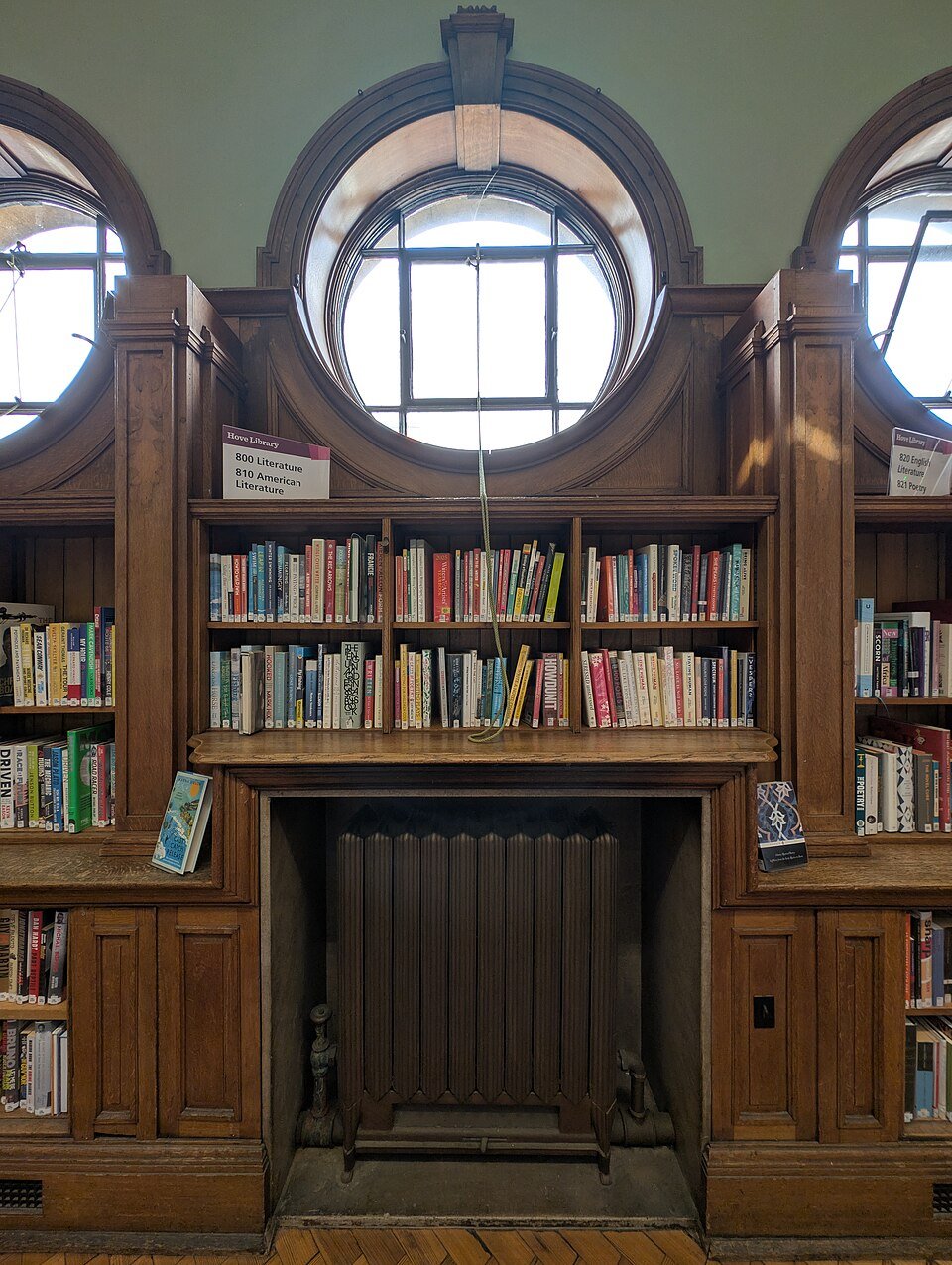
Archive photograph: bookshelves inside Hove Library, Church Road, 20 August 2025. Andy Li / Wikimedia Commons, CC0. Not a screenshot of the digital collection.


Leave a Reply