Practical details checked: 5 November 2026.
At a glance
- Hove Library is at 182–186 Church Road, BN3 2EG.
- Published hours are Monday–Friday 10am–5pm and Saturday 10am–2pm; Sunday closed.
- Computers, printing, scanning, free Wi-Fi and a photocopier are listed.
- Contact the library team on 01273 290800 to check bookings, charges and access.
This Hove Library guide is for the visit with a specific job to finish: an online form, a document to print, a borrowed book to collect or time to read. The building offers several different services, but the useful starting point is what you need to do and how long you have.
Hove Library guide: start with the shorter Saturday
The East Sussex Community Information Service listing, updated in June 2026, gives weekday hours of 10am–5pm and Saturday hours of 10am–2pm. Sunday is closed. The library’s published opening-times sheet gives the same Hove schedule.
The sheet also flags 1pm–2pm on staffed days as self-service Libraries Extra time, or closure where Libraries Extra is unavailable. Confirm the Hove lunchtime arrangement before planning a computer session across that hour.
That earlier Saturday finish matters if your task involves several stages. Arriving shortly before 2pm to locate a file, sign into an account, check a print preview and collect pages leaves little room for a password problem. Our advice is to prepare the document first and leave a margin for the actual transaction.
These are published regular hours, not a guarantee against an exceptional closure. Check with the team before making a time-critical or specially assisted visit.
Choose your own device or a library computer
ESCIS lists computers, a printer and scanner, free Wi-Fi and a photocopier, alongside books, audiobooks, newspapers and magazines. It says digital facilities can be booked in advance. Ask what booking is required for the particular equipment you need rather than assuming a reading space includes a reserved computer.
For a computer visit, the practical question is whether your task needs a particular program, file type or website. The council’s acceptable-use policy describes public internet access and office facilities, with filtering. It does not guarantee access to every website.
Do not leave the first test of an unfamiliar application until the last minutes before a deadline. Ask the library team whether the equipment suits the task and what identification, library card or login arrangements apply.
Prepare the printing job before leaving home
Our suggested preparation is simple: know which version of the document is final, count the pages and decide whether colour is necessary. Check that the print preview includes the complete address, reference number or signature area you need.
Ask the team for current printing and computer-session charges and any relevant concessions. Older council leaflets remain searchable online; this guide does not turn a historic tariff into a current price or promise unlimited free computer time.
If a form requires a verification code, make sure you can receive it during the session. That is a practical preparation step, not a claim that library staff can complete an application or access your account for you.
Reading, research and access are separate questions
The listing includes separate areas for children and teenagers, rare books and special collections, plus a bookable meeting room. A meeting-room booking is a different arrangement from ordinary library use. If you need a specific collection item, ask about access before travelling.
For mobility, sensory or other access requirements, describe the service and route you need when contacting the library. The ESCIS entry directs readers to the organisation for access information; we have not treated that as evidence that every room and facility has the same access arrangements.
Brighton Locals’ view
Hove Library is useful public infrastructure because reading, digital access and practical document tasks can sit in one place. The best visit is one planned around the actual service, with the Saturday closing time and any booking or fee confirmed. Clear, current service information matters more than a long list of facilities.
Useful contacts and related guides
Call 01273 290800 or email libraries@brighton-hove.gov.uk. Use the council library service for current arrangements. For reading on your own device, our digital reading guide covers a separate service.
Choose the task, confirm the equipment and leave enough time to finish it.
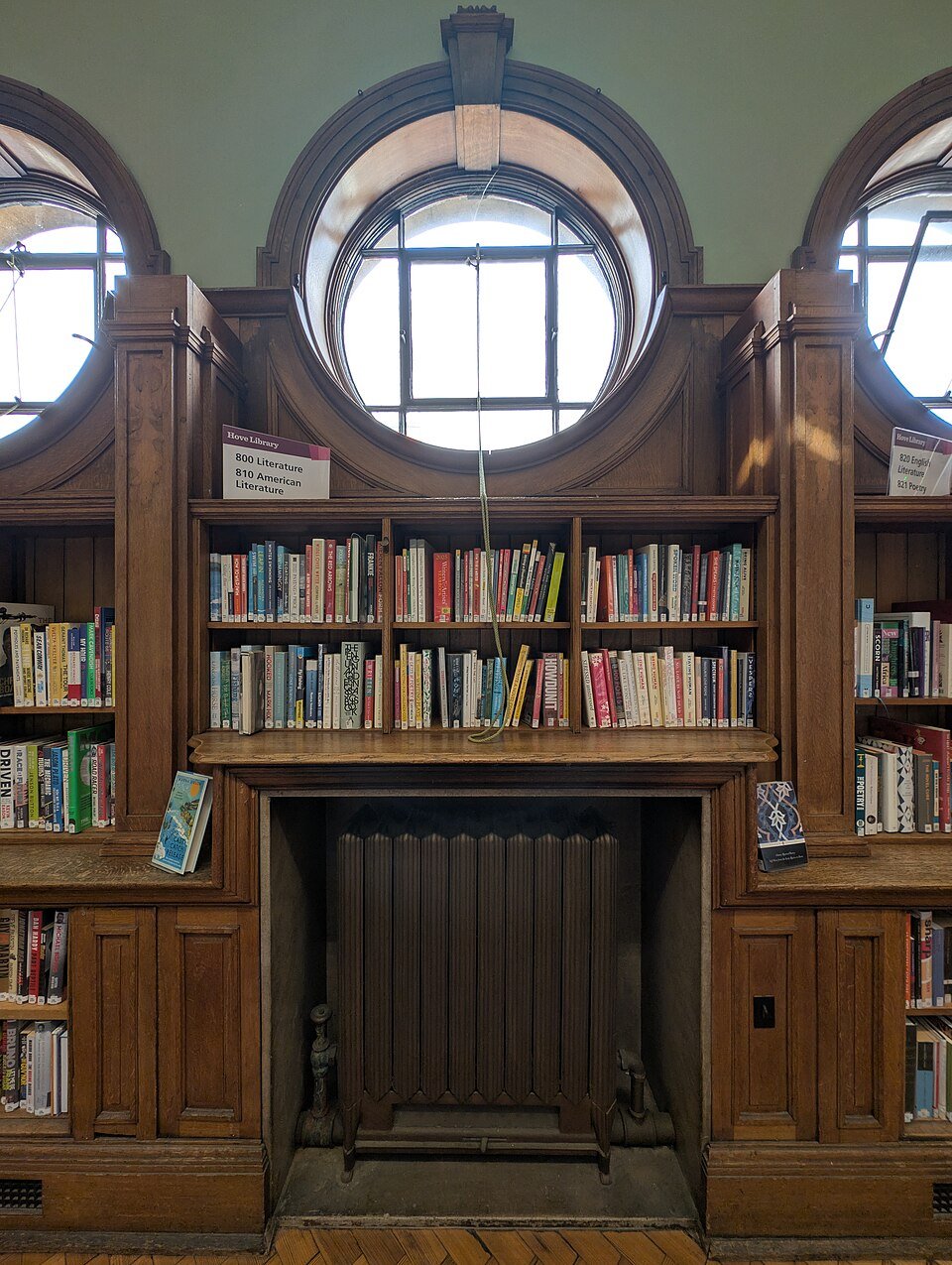
Archive: bookshelves inside Hove Library, 20 August 2025. Andy Li / Wikimedia Commons, CC0. Not a photograph of current equipment availability.


Leave a Reply